Guest experience
One link that answers the guest's questions
The guest receives a private link for their reservation. They complete their details, pay, and see their bed, locker and door code. They can request laundry or report a fault. At the door, an iPad checks them in without a queue.
Room and bed number
The first thing the guest sees after verification.
Locker
Only their own locker. Never anyone else's.
Wi-Fi
Network name and password without asking anyone.

Door code
Appears once conditions are met. Its status comes from the device.
Services
Laundry, fault reports and front desk requests. Disabled services stay hidden.
Checkout
The guest checks out, returns the key and rates the stay.
From before arrival to after checkout
- 1
Before arrival
Receives the link
Copy it from the reservation, or send it by email when email is set up.
- 2
Before arrival
Completes details
Only the fields your property policy requires.
- 3
Before arrival
Pays
The remaining balance from the portal, verified on the server.
- 4
During the stay
Uses the portal
Bed, locker, Wi-Fi and requests in one place.
- 5
Checkout
Checks out
The system creates a cleaning task for the bed right away.
The guest link is safe from the start
The link is the guest's way into the platform. So it reveals nothing until it is sure the person opening it owns the reservation.
- A long random token that cannot be guessed
- No personal data on the first screen
- A simple check before reservation details are shown
- Expires after checkout and front desk can revoke it
- Revoking the link never deletes the stay record
- Repeated attempts are blocked for a while
We ask for as little data as possible
- Every field is optional except the name, unless your property category requires it
- ID photo upload is off by default. Some property categories do not allow copying IDs
- Every document view is logged with the staff member and time
- Housekeeping never sees ID numbers or payment data
- Guests see your property's privacy notice before they submit anything
Self check-in
An iPad at the entrance is enough
The guest finds their reservation with a code or QR, completes missing steps, pays the balance and receives access instructions. Staff can focus on guests who really need help.
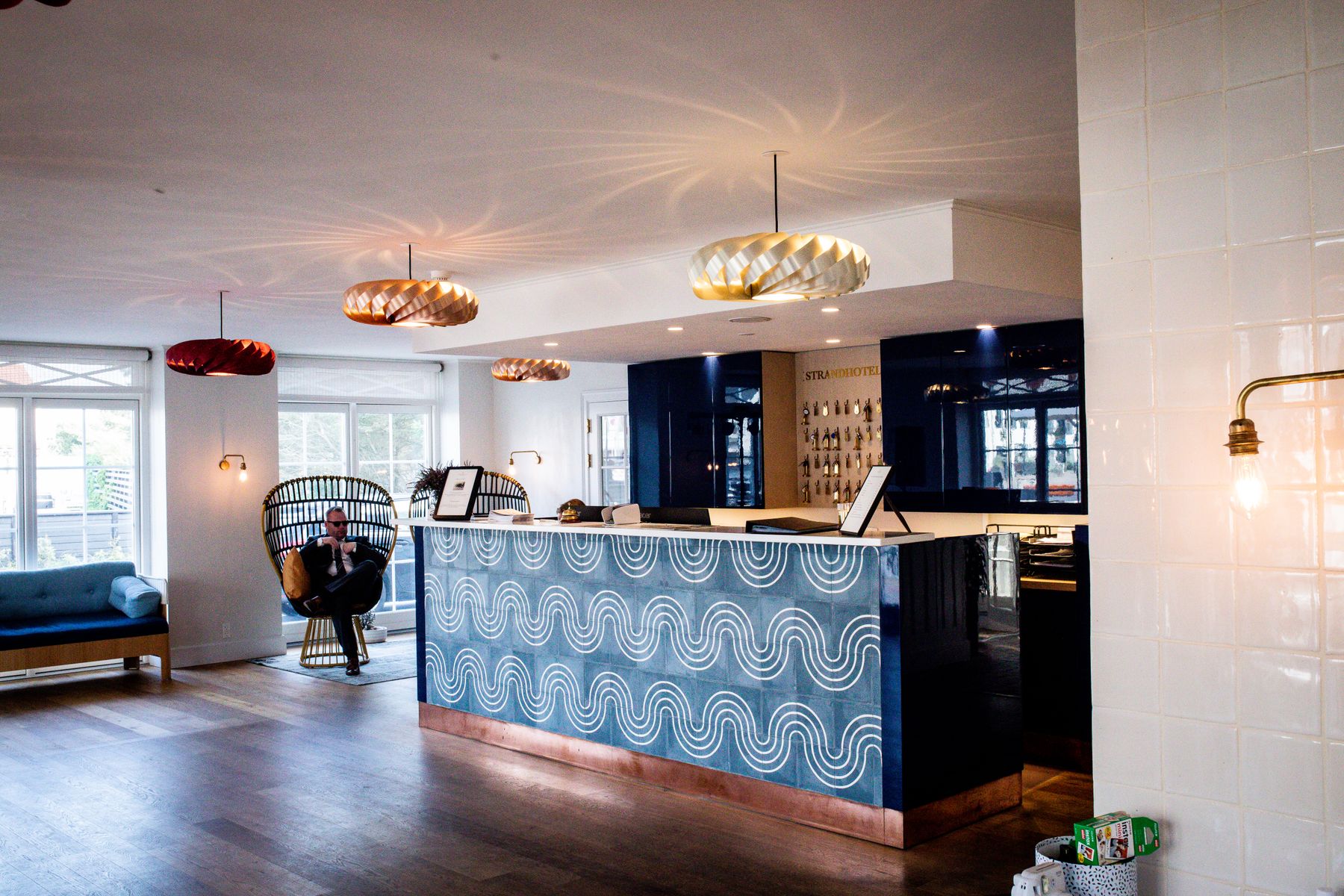
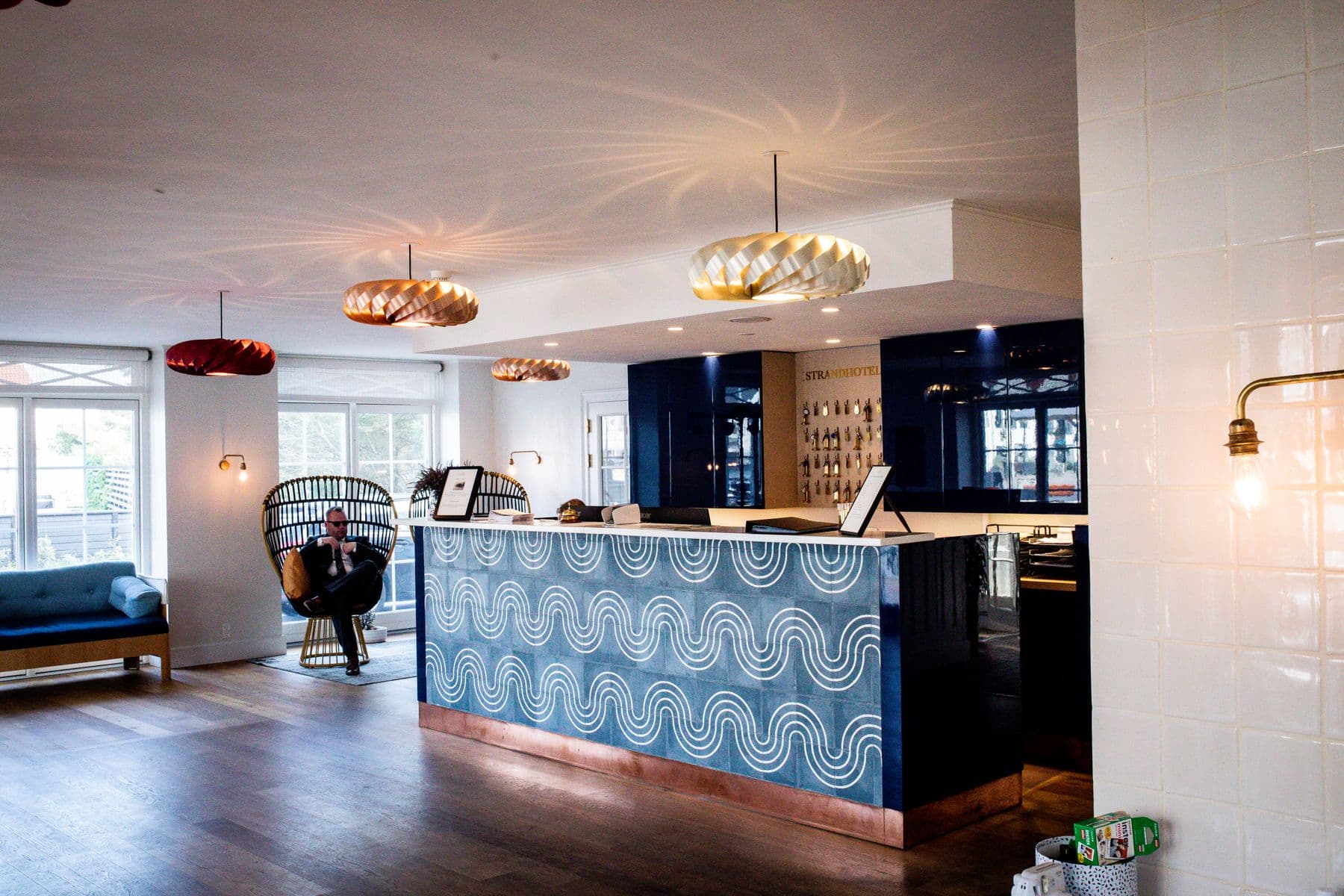
Guest steps
- 1Choose a language
- 2Find the reservation by code or QR scan
- 3Verify identity the way the property sets
- 4Complete missing details only
- 5Accept the house rules
- 6Pay any balance
- 7Receive bed, locker and access instructions
The session clears after every guest
- Short timeout and automatic session end
- The screen never reaches the admin console
- An emergency button on every step
- Runs on an iPad, Android tablet or touch screen
See Hostelivo on a ready hostel
Properties with rooms, beds and bookings already in. Open one and walk through a day from booking to cleaning.